
Fixing the core of a car rental app.
A Flutter and Laravel app that helps car owners and rental agencies manage fleets, pricing, and reservations. I redesigned its key flows and restructured its vehicle management code.
01The Brief
Context.
01The Problem
Vehicle management ran through one 1,400+ line controller that handled loading, adding, and editing cars together. Changes were risky, and state could leak between screens.
02Our Approach
I joined an existing codebase as UI/UX designer and Flutter developer. I redesigned 8 screens in Figma using Atomic Design, then split the controller into three, each scoped to its screen's lifecycle.
03The Outcome
Three controllers of about 333 lines each replaced the original, a 76% cut in average class size. Editing resources are disposed with their screen, and each controller can be tested on its own.
02Impact
Results.
8
Screens redesigned in Figma and built in Flutter
1,400+
Lines in the original CarsController
~333
Average lines per controller after the split
76%
Smaller average class size
03Contributions
What I worked on.
- 01
Onboarding & authentication
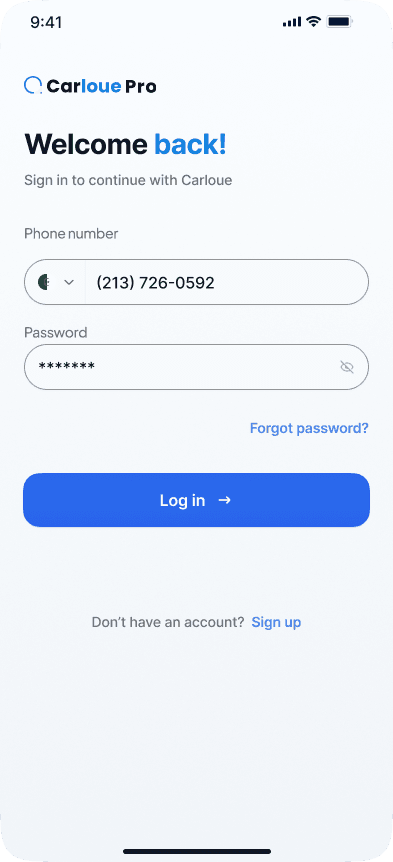
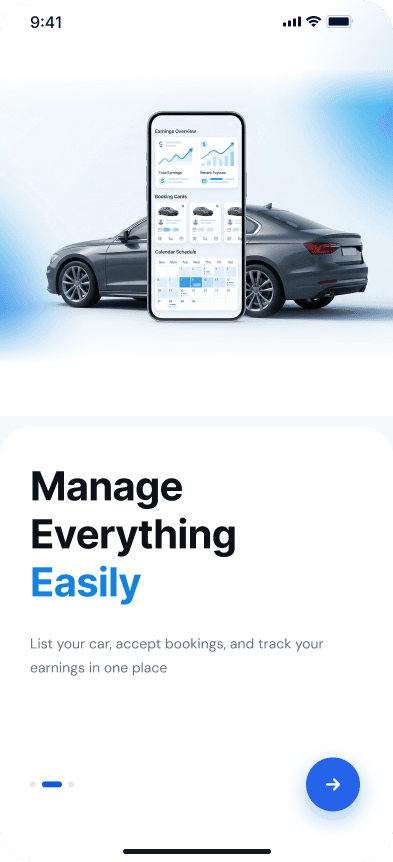
Two onboarding screens, a redesigned login, and a short phone-based sign-up.
- 02
OTP verification
Six-digit code entry with a step indicator and a resend timer.
- 03
Role selection
Company or individual accounts, chosen from two clear cards.
- 04
Personal & company registration
Separate profile and agency forms, so each account type only sees what it needs.
- 05
Reusable design system
Shared components built once in Figma and reused across the redesigned screens.
- 06
Vehicle management architecture
One oversized controller split into CarDataController, AddCarController, and EditCarController, with lifecycle-scoped state.
- 07
API integration
Connected the screens to the Laravel services and validated endpoints in Postman.
04Product experience
Inside the experience.
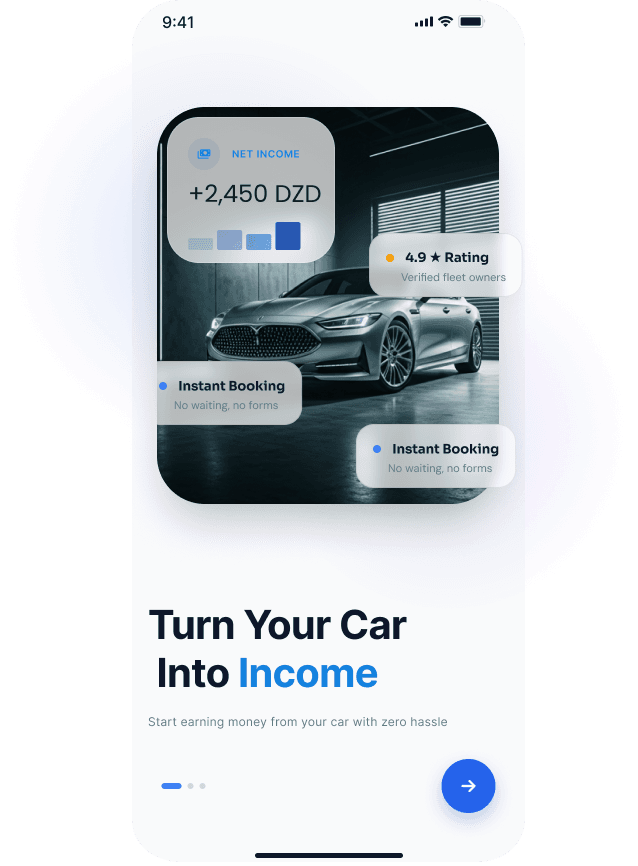
01 · ONBOARDING 1
Opens with the owner's value: list a car and start earning.
02 · ONBOARDING 2
Listing, bookings, and earnings tracking in one place.
03 · LOGIN
Phone and password sign-in with a clear path to sign-up.
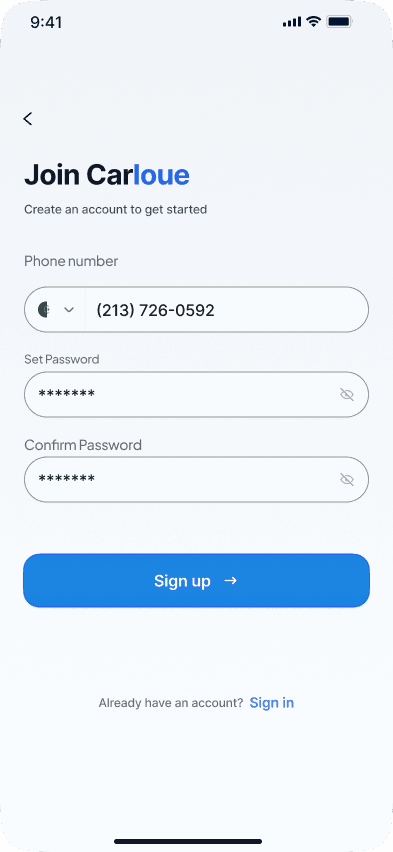
04 · SIGN UP
Phone, password, and confirmation in one short form.
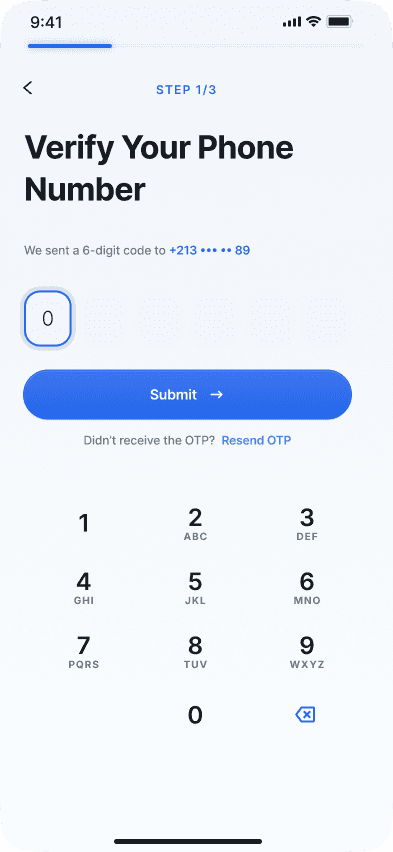
05 · OTP VERIFICATION
Six-digit code with a resend timer and step indicator.
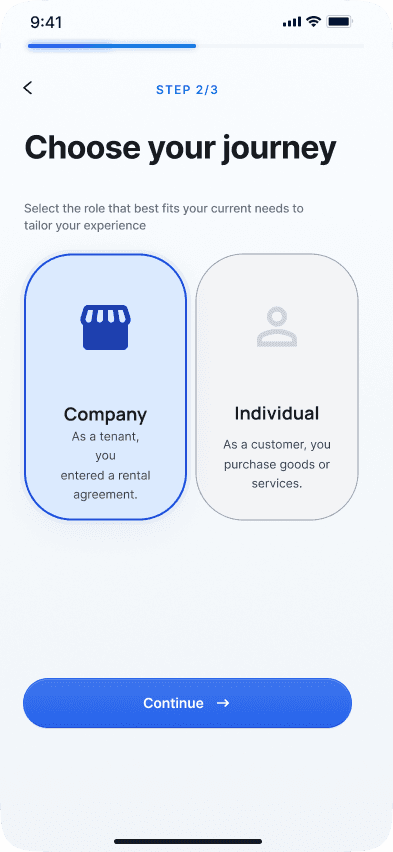
06 · ROLE SELECTION
Company or individual, chosen from two clear cards.
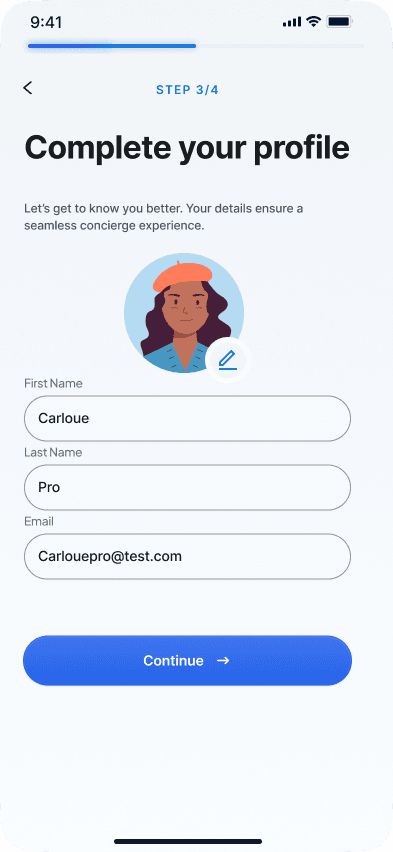
07 · PERSONAL INFORMATION
Profile details with an avatar upload.
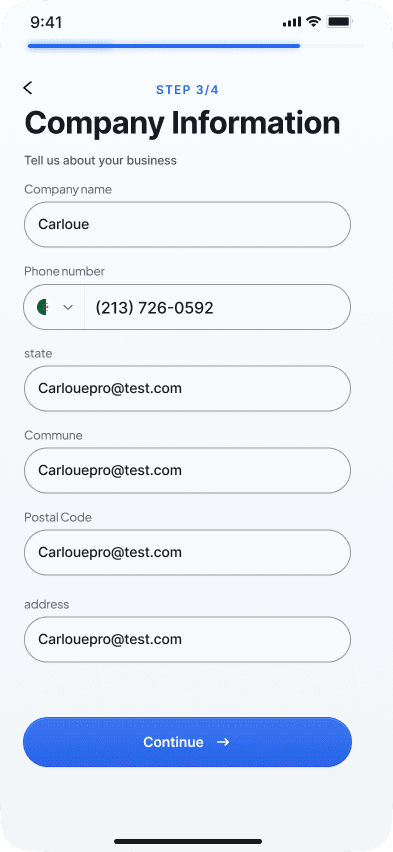
08 · COMPANY INFORMATION
Agency details for company accounts.
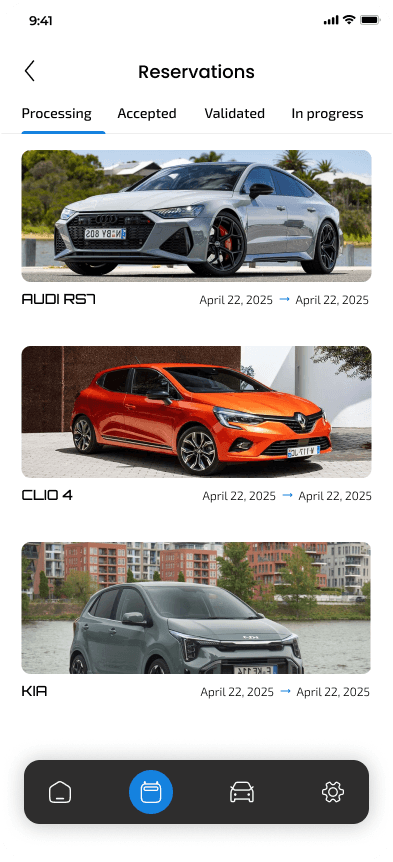
09 · RESERVATION
Booking details and confirmation.
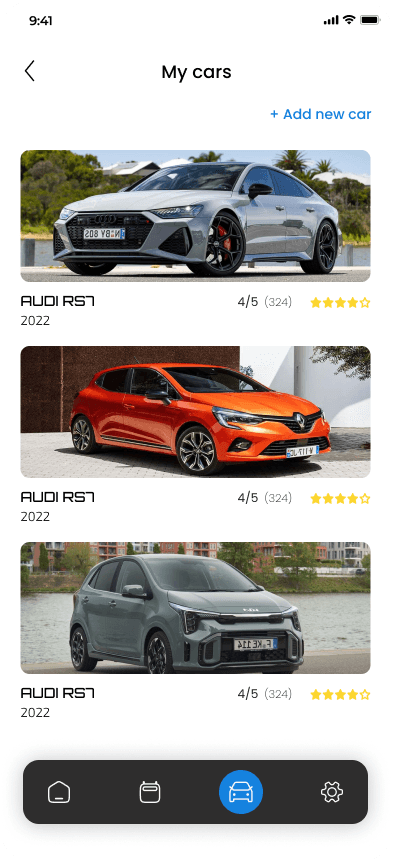
10 · MY CARS
A list of the user's registered cars.
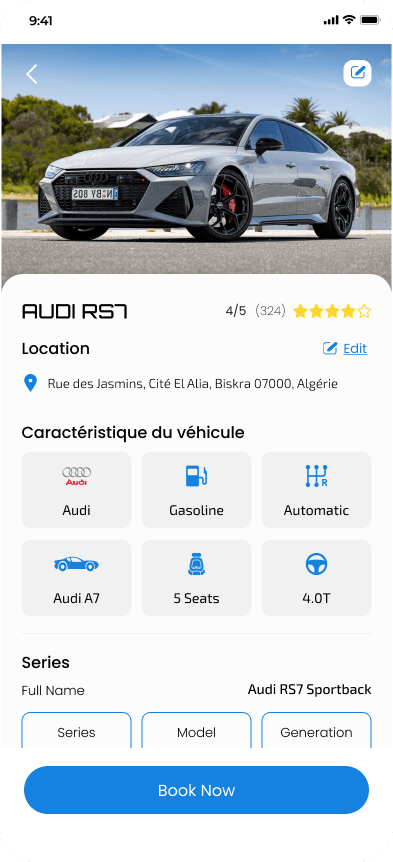
11 · SHOW CAR
Details and images of a specific car.
05Under the hood
The stack.
- MOBILE03
- Flutter
- Dart
- GetX
- DESIGN02
- Figma
- Atomic Design
- BACKEND (INTEGRATED)01
- Laravel REST API
- TOOLING02
- Postman
- FVM
06Reflection
Challenges and lessons.
CHALLENGES
- 01
Understanding an undocumented codebase
Traced existing controller references, state variables, dependencies, and resource lifecycles before making architectural changes.
- 02
SDK version drift between machines broke builds until I pinned the Flutter SDK with FVM.
- 03
An unstable backend made it hard to tell API faults from app bugs, so I validated endpoints in Postman first.
LEARNINGS
Debt compounds.
Talk before you code.
Scope state to the screen that owns it.
UP NEXT
MOBILE DEVELOPMENT